# Fetch route between an origin and destination
This example shows:
- How to fetch a route using `RouteFetcher.getRoute` with `RouteRequestParams`
- .origin(origin)
- .destination(destination)
- .alternatives(true)
- .altCount(2)
- .avoid(avoid)
- .language("en")
- .waypoints(waypoints)
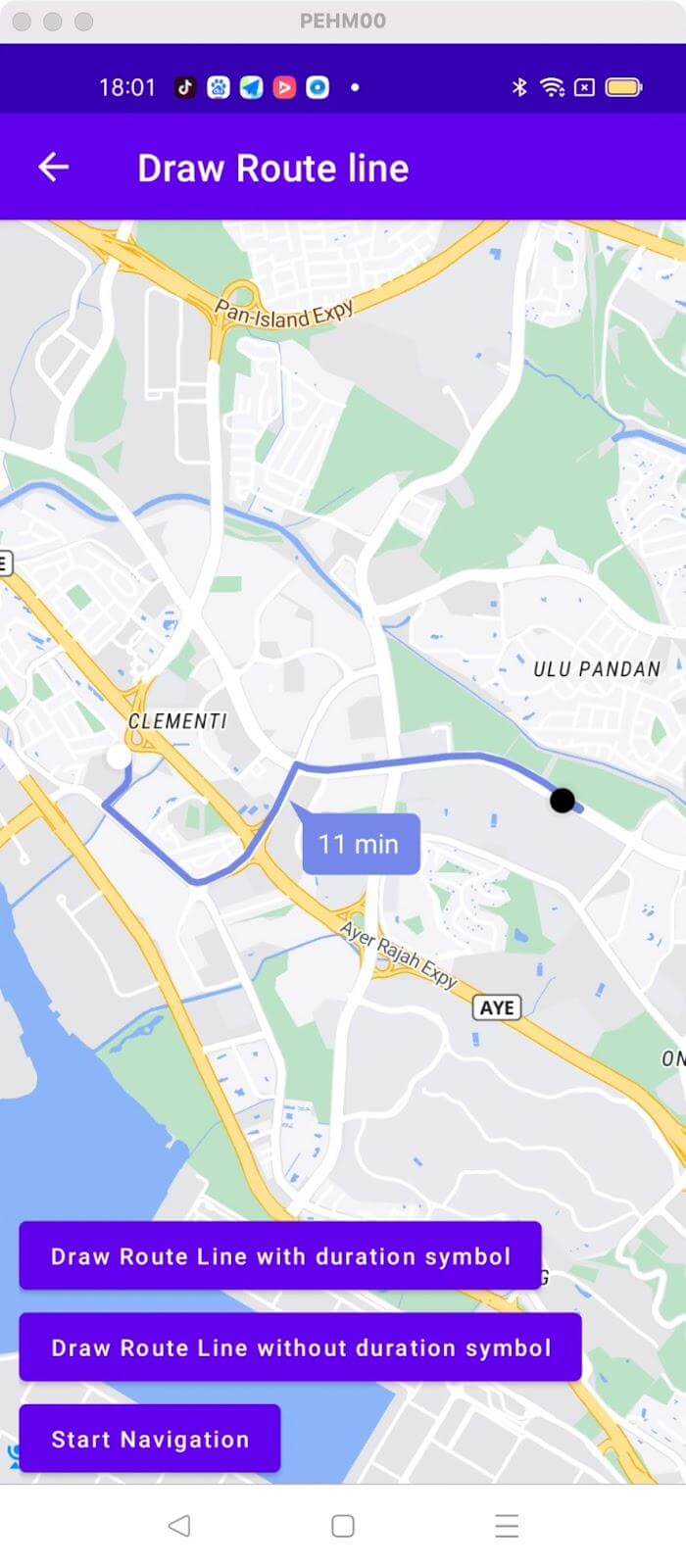
For all code examples, refer to [Navigation Code Examples](https://github.com/nextbillion-ai/nb-navigation-android-demo)
**activity_fetch_routes.xml [view source](https://github.com/nextbillion-ai/nb-navigation-android-demo/blob/main/app/src/main/res/layout/activity_fetch_routes.xml)**
```xml
```
**FetchRoutesActivity [view source](https://github.com/nextbillion-ai/nb-navigation-android-demo/blob/main/app/src/main/java/ai/nextbillion/navigation/demo/activity/FetchRoutesActivity.java)**
```java
package ai.nextbillion.navigation.demo.activity;
import android.os.Bundle;
import android.view.View;
import android.widget.Button;
import android.widget.ProgressBar;
import android.widget.TextView;
import java.util.ArrayList;
import java.util.List;
import ai.nextbillion.kits.directions.models.DirectionsResponse;
import ai.nextbillion.kits.directions.models.DirectionsRoute;
import ai.nextbillion.kits.directions.models.RouteRequestParams;
import ai.nextbillion.kits.geojson.Point;
import ai.nextbillion.navigation.core.routefetcher.RequestParamConsts;
import ai.nextbillion.navigation.core.routefetcher.RouteFetcher;
import ai.nextbillion.navigation.demo.R;
import androidx.appcompat.app.AppCompatActivity;
import retrofit2.Call;
import retrofit2.Callback;
import retrofit2.Response;
public class FetchRoutesActivity extends AppCompatActivity implements View.OnClickListener {
private Button fetchRoute;
private TextView routeGeometry;
private DirectionsRoute directionsRoute;
private ProgressBar progress;
@Override
protected void onCreate(Bundle savedInstanceState) {
super.onCreate(savedInstanceState);
setContentView(R.layout.activity_fetch_routes);
fetchRoute = findViewById(R.id.fetchRoute);
routeGeometry = findViewById(R.id.routeGeometry);
progress = findViewById(R.id.progress);
fetchRoute.setOnClickListener(this);
}
@Override
public void onClick(View view) {
if (view.getId() == R.id.fetchRoute) {
progress.setVisibility(View.VISIBLE);
Point origin = Point.fromLngLat(103.75986708439264, 1.312533169133601);
Point destination = Point.fromLngLat(103.77982271935586, 1.310473772283314);
List avoid = new ArrayList<>();
avoid.add(RequestParamConsts.AVOID_HIGHWAY);
List waypoints = new ArrayList<>();
waypoints.add(Point.fromLngLat(103.76974384826651,1.3207136058314086));
RouteRequestParams.Builder builder = RouteRequestParams.builder()
.origin(origin)
.destination(destination)
.alternatives(true)
.altCount(2)
.avoid(avoid)
.language("en")
.waypoints(waypoints)
.departureTime((int) (System.currentTimeMillis()/1000));
RouteFetcher.getRoute(builder.build(), new Callback() {
@Override
public void onResponse(Call call, Response response) {
progress.setVisibility(View.GONE);
//start navigation with the route we just fetched.
if (response.body() != null && !response.body().routes().isEmpty()) {
directionsRoute = response.body().routes().get(0);
routeGeometry.setText(String.format("Route Geometry: %s", directionsRoute.geometry()));
}
}
@Override
public void onFailure(Call call, Throwable t) {
progress.setVisibility(View.GONE);
}
});
}
}
}
```
### Code Highlights
This code example shows how to fetch a route using `RouteFetcher.getRoute()`
The response of the API would be a **DirectionsRoute** object, and in this example, we have printed the result data on the device screen
### Code summary
Fetch Routes
- A `RouteRequestParams` object is constructed using the builder pattern and the provided parameters, including
- `origin`: It represents the starting point of the route. It is of type **Point** and contains latitude and longitude coordinates.
- `destination`: It represents the destination point of the route. It is also of type **Point** and contains latitude and longitude coordinates.
- `alternatives`: A **boolean** value indicating whether alternative routes should be provided. If set to true, multiple alternative routes may be returned in the response.
- `altCount`: specifies the number of alternative routes to request. It is an integer value indicating the desired count of alternative routes.
- `avoid`: A list of strings specifying the types of features or road elements to avoid on the route. For example, **"highway"** can be added to avoid highways
- `language`: specifies the language for the route instructions and text in the response. It is a string representing the **language code** (e.g., "en" for English).
- `waypoints`: a list of intermediate points (waypoints) to include in the route. Each waypoint is represented by a Point object with latitude and longitude coordinates.
These parameters allow you to customize the route request based on your specific needs, such as defining the **origin** and **destination**, requesting alternative routes, avoiding certain features or road elements, specifying the language for instructions, adding waypoints, and setting the departure time.
`RouteFetcher.getRoute(builder.build(), new Callback() {...})` invokes the getRoute() method of RouteFetcher by passing the built `RouteRequestParams` object and a callback for handling the response.