# Location Component
## Introduction
This example shows
- Configuration Location permissions for Android and iOS
- Enable Current Location Tracking with setting following params in NBMap
- **trackCameraPosition**: true
- **myLocationEnabled**: true
- **myLocationTrackingMode**: MyLocationTrackingMode.Tracking
- Observe User Location Updating
- add the callback **onUserLocationUpdated(UserLocation location)**
| 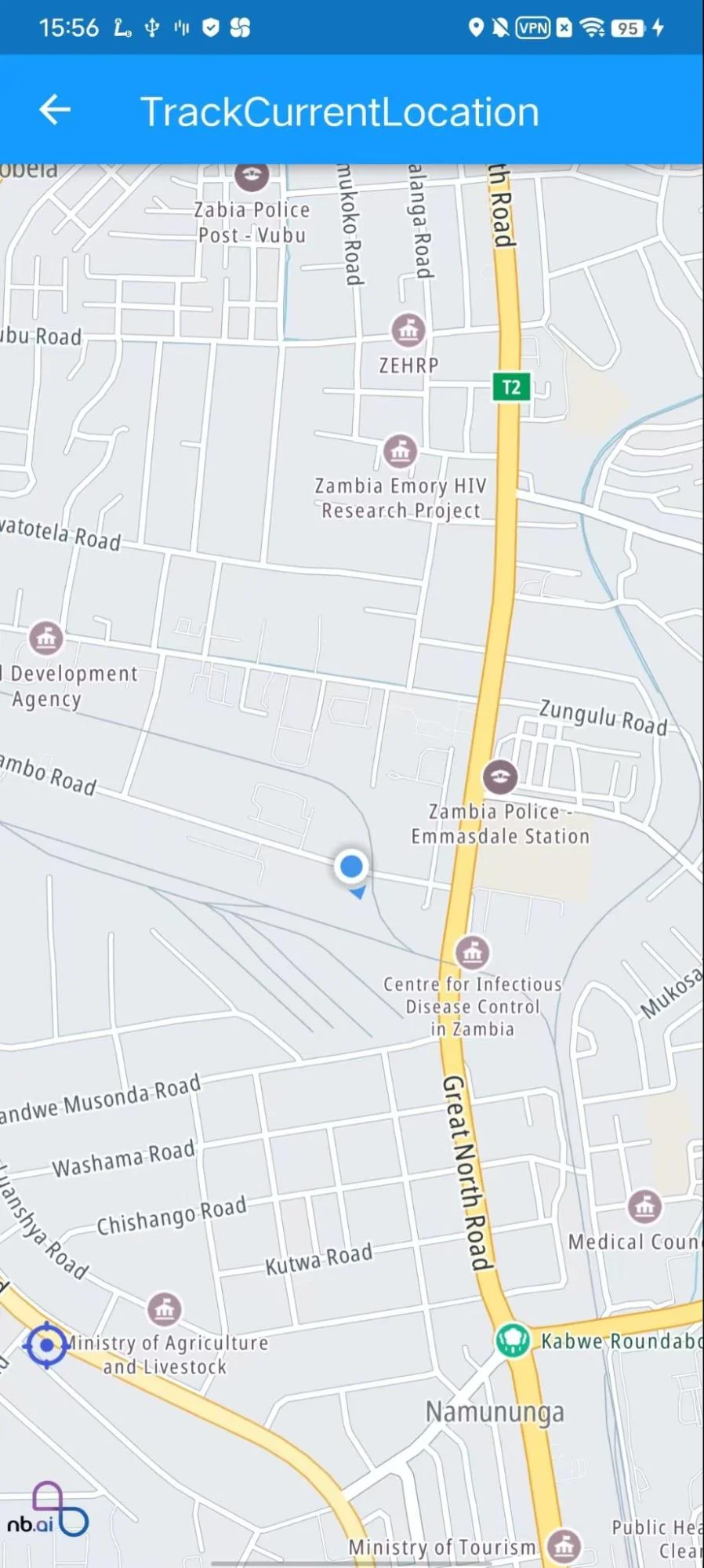 | 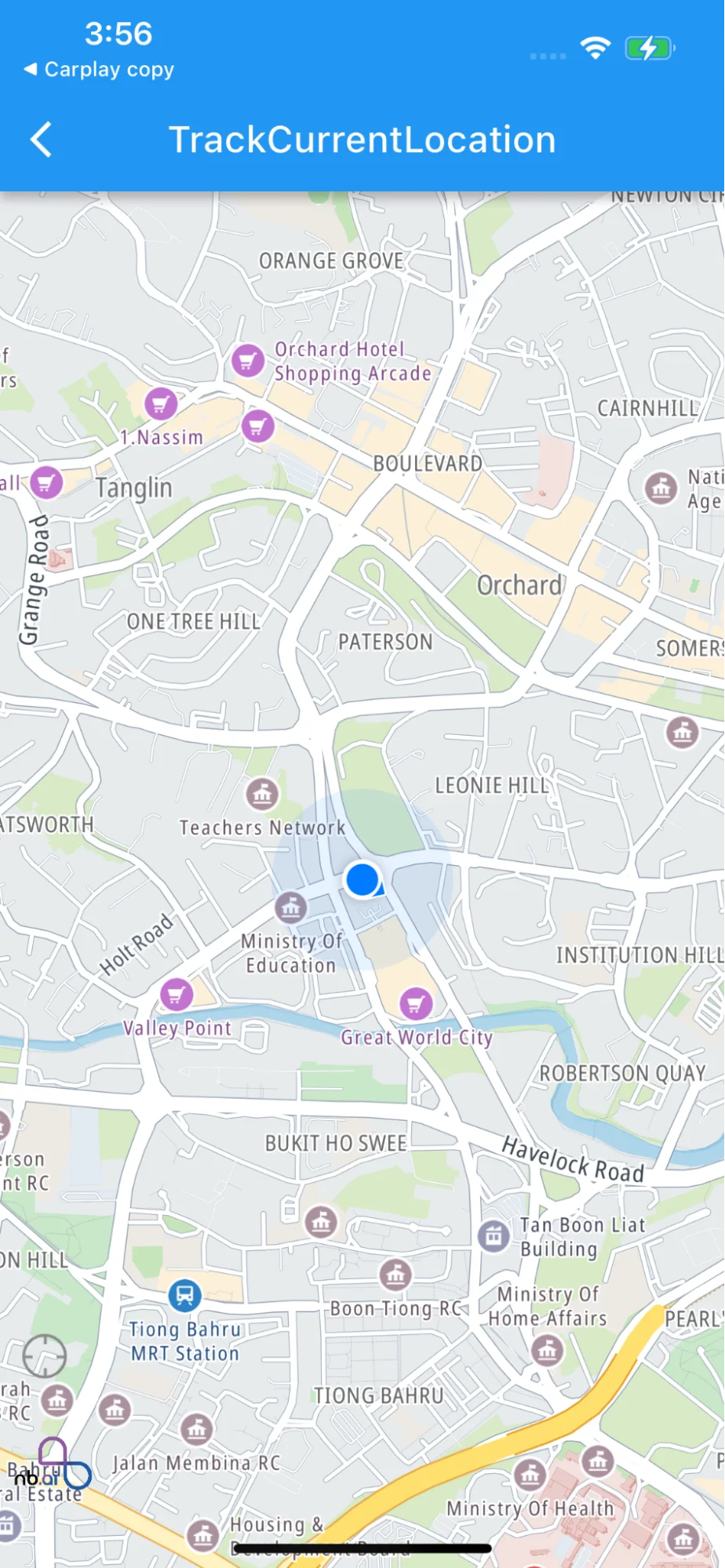 |
| --- | --- |
| **Android snapshot** | **iOS snapshot** |
For all code examples, refer to [Flutter Maps SDK Code Examples](https://github.com/nextbillion-ai/nb-maps-flutter)
**Android: Add the following permissions to the manifest:**
```xml
```
**iOS: Add the following to the Runner/Info.plist to explain why you need access to the location data:**
```xml
NSLocationWhenInUseUsageDescription
[Your explanation here]
```
**TrackCurrentLocationPage** [view source](https://github.com/nextbillion-ai/nb-maps-flutter/blob/main/example/lib/track_current_location.dart)
```dart
import 'package:flutter/cupertino.dart';
import 'package:flutter/material.dart';
import 'package:nb_maps_flutter/nb_maps_flutter.dart';
import 'page.dart';
class TrackCurrentLocationPage extends ExamplePage {
TrackCurrentLocationPage()
: super(const Icon(Icons.place), 'TrackCurrentLocation');
@override
Widget build(BuildContext context) {
return TrackCurrentLocation();
}
}
class TrackCurrentLocation extends StatefulWidget {
@override
TrackCurrentLocationState createState() => TrackCurrentLocationState();
}
class TrackCurrentLocationState extends State {
NextbillionMapController? controller;
String locationTrackImage = "assets/symbols/location_on.png";
void _onMapCreated(NextbillionMapController controller) {
this.controller = controller;
}
_onStyleLoadedCallback() async {
Future.delayed(const Duration(milliseconds: 80), () {
controller?.updateMyLocationTrackingMode(MyLocationTrackingMode.Tracking);
});
}
_onUserLocationUpdate(UserLocation location) {
print('${location.position.longitude}, ${location.position.latitude}');
}
_onCameraTrackingChanged() {
setState(() {
locationTrackImage = 'assets/symbols/location_off.png';
});
}
@override
Widget build(BuildContext context) {
return Scaffold(
body: Stack(
children: [
NBMap(
onMapCreated: _onMapCreated,
onStyleLoadedCallback: _onStyleLoadedCallback,
initialCameraPosition: const CameraPosition(
target: LatLng(0, 0),
zoom: 14.0,
),
trackCameraPosition: true,
myLocationEnabled: true,
myLocationTrackingMode: MyLocationTrackingMode.Tracking,
onUserLocationUpdated: _onUserLocationUpdate,
onCameraTrackingDismissed: _onCameraTrackingChanged,
),
Column(
mainAxisAlignment: MainAxisAlignment.end,
crossAxisAlignment: CrossAxisAlignment.start,
children: [
Padding(
padding: const EdgeInsets.only(left: 10.0, bottom: 100),
child: GestureDetector(
child: Image(
image: AssetImage(locationTrackImage),
width: 28,
height: 28,
),
onTap: () {
controller?.updateMyLocationTrackingMode(
MyLocationTrackingMode.Tracking);
setState(() {
locationTrackImage = 'assets/symbols/location_on.png';
});
}),
),
],
)
],
),
);
}
@override
void initState() {
super.initState();
}
@override
void dispose() {
super.dispose();
}
}
```
## Code summary
This Flutter code provides an example of how to use the NBMap widget from the **nb_maps_flutter** package to display a map and enable current location tracking. The code also observes user location updates and changes the **tracking mode** when the camera tracking is dismissed.
1. **Display MapView Widget:**
- The NBMap widget is used to display the map on the screen. It is added to the Stack widget to overlay other UI elements on top of the map.
2. **Enable Current Location Tracking:** The following parameters are set in the NBMap widget to enable current location tracking: - **myLocationEnabled**: true enables the display of the user's location on the map. - **myLocationTrackingMode**: MyLocationTrackingMode.Tracking sets the tracking mode for the user's location, which follows the user's movement on the map. - **onUserLocationUpdated**: _onUserLocationUpdate is a callback function that observes updates to the user's location.
3. **Observe User Location Updating:**
- The **_onUserLocationUpdate** function is called when the user's location is updated. In this code, it prints the updated longitude and latitude to the console.
The code also has a gesture detector with an image button to toggle the location tracking mode. When the image button is tapped, the tracking mode is set to **MyLocationTrackingMode.Tracking**, and the image changes accordingly.
To use this widget in your Flutter app, make sure you have installed the **nb_maps_flutter** package and added the necessary dependencies to your pubspec.yaml file.
Overall, this code demonstrates how to display a map, enable current location tracking, and observe user location updates using the NBMap widget and the NextbillionMap SDK in a Flutter app.